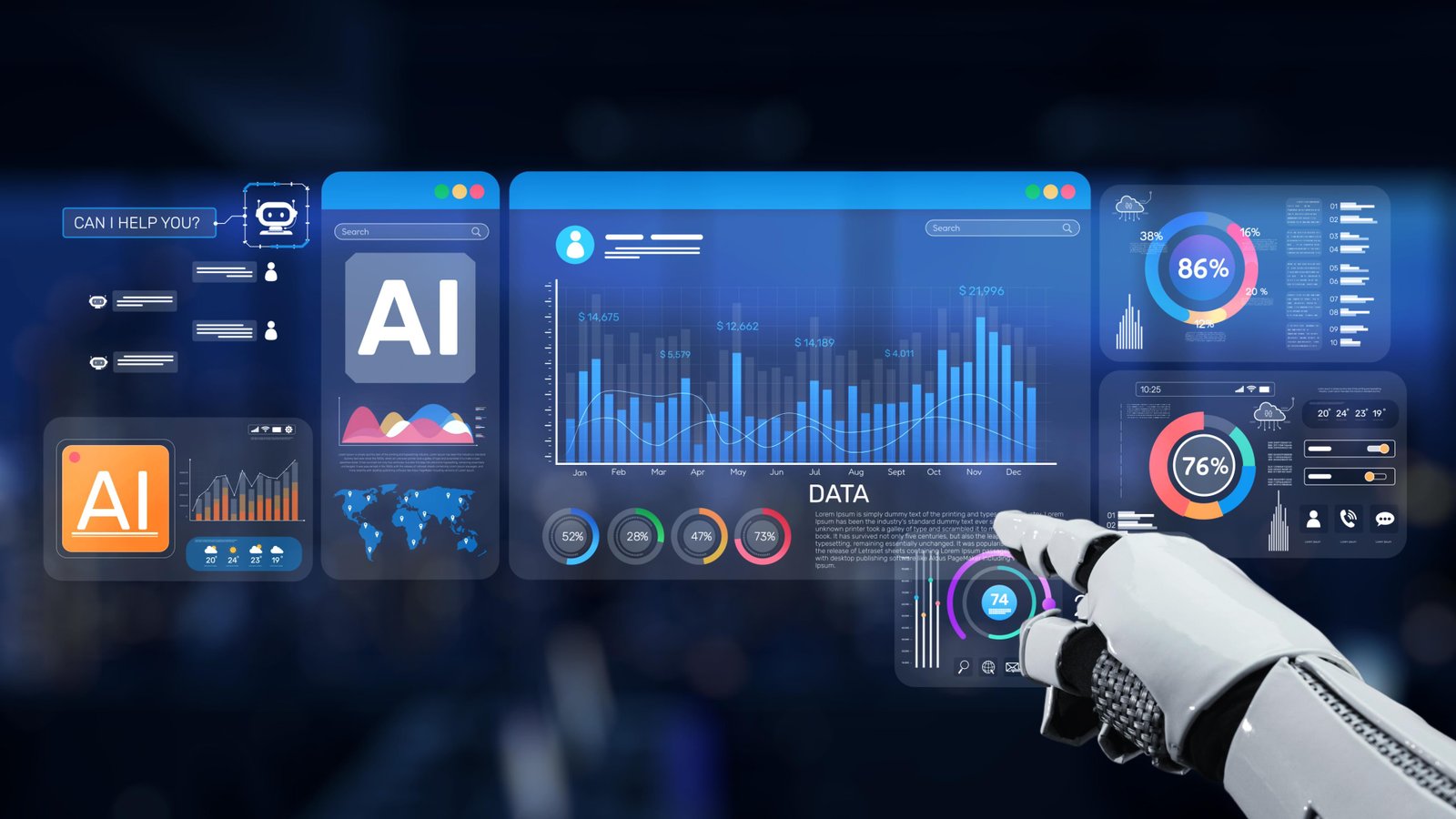
Artificial intelligence is evolving beyond simple text responses. In its latest update, Anthropic has added a powerful new capability to its AI assistant Claude AI chatbot: the ability to generate interactive charts, diagrams, and visualizations directly inside conversations.
This update aims to make AI responses more visual and easier to understand, especially when explaining complex topics such as data analysis, scientific concepts, and business insights.
What Is the New Claude Charts Feature?
Claude can now generate inline visuals like charts, graphs, diagrams, and timelines directly within chat responses. These visuals appear alongside the text explanation instead of opening in a separate window or tool.
For example, if a user asks about:
-
market growth trends
-
population statistics
-
financial analysis
-
scientific processes
Claude can automatically create a visual representation such as a bar chart, line graph, or diagram to help illustrate the explanation.
This allows users to understand complex information more quickly.
How the Feature Works
The new feature works in a very interactive way.
1️⃣ Visuals appear directly inside the chat
Instead of switching tools, the chart appears within the conversation itself.
2️⃣ AI decides when visuals are helpful
Claude may automatically generate a chart if it believes visual information will improve the answer.
3️⃣ Users can request visuals
Users can ask questions like:
-
“Show this data in a graph”
-
“Create a timeline for this history”
-
“Draw a diagram explaining the process”
Claude will generate the appropriate visualization.
4️⃣ Visuals update during the conversation
Charts can be modified dynamically as users ask follow-up questions.
For example:
User: Show global population growth.
Claude: Generates chart.
User: Now compare with India and China.
Claude: Updates the chart instantly.
Interactive Elements Inside the Charts
Some charts are not just images — they are interactive visual tools.
Users may be able to:
-
click on chart elements
-
expand sections
-
view additional data
-
explore nodes in diagrams
This transforms the AI response into a mini interactive dashboard rather than static text.
Why This Feature Is Important
The update signals a shift in how people interact with AI systems.
Instead of:
Text → Answer
AI responses now become:
Text + Visual Explanation + Interactive Elements
This makes AI much more useful for:
-
students
-
researchers
-
data analysts
-
business professionals
-
developers
Complex topics become easier to understand through visuals.
Examples of What Claude Can Visualize
Claude can generate many types of visuals:
📊 Charts
-
bar charts
-
line graphs
-
pie charts
-
comparison charts
📈 Data Visualization
-
financial performance charts
-
business dashboards
-
trend analysis
🧠 Diagrams
-
process flows
-
scientific diagrams
-
network structures
🕒 Timelines
-
historical events
-
project timelines
-
technological developments
Similar Features in Other AI Tools
The AI industry is rapidly moving toward visual AI assistants.
Other companies have also added visualization features to their chatbots.
Examples include:
-
ChatGPT introducing interactive learning visuals
-
Google Gemini adding advanced visual explanations
This trend suggests that the future of AI interaction will combine text, visuals, and interactive tools.
Potential Use Cases
This feature can be extremely useful in many areas.
📚 Education
Students can see diagrams explaining physics, chemistry, or math.
📊 Business Analysis
Professionals can instantly generate charts from data.
💻 Software Development
Developers can visualize system architecture or performance metrics.
📈 Market Research
Analysts can quickly visualize trends and comparisons.
The Future of Visual AI Assistants
Anthropic’s update represents an important step toward multimodal AI systems that communicate information through multiple formats.
Instead of simply answering questions, AI assistants are evolving into interactive thinking tools that help users explore ideas visually.
As AI continues to improve, future assistants may be able to generate:
-
full dashboards
-
interactive simulations
-
complex visual data analysis
directly inside conversations.
Conclusion
With the introduction of interactive charts and diagrams, Claude is becoming much more than a chatbot.
The ability to combine text explanations with dynamic visualizations makes AI responses clearer, faster to understand, and more useful for real-world tasks.
As AI tools continue evolving, features like these may redefine how people learn, analyze data, and interact with information in the digital age.